Orders arrive in the app.
Customers order on your website. Your team receives and manages those orders in the merchant app.
The heymate! merchant app
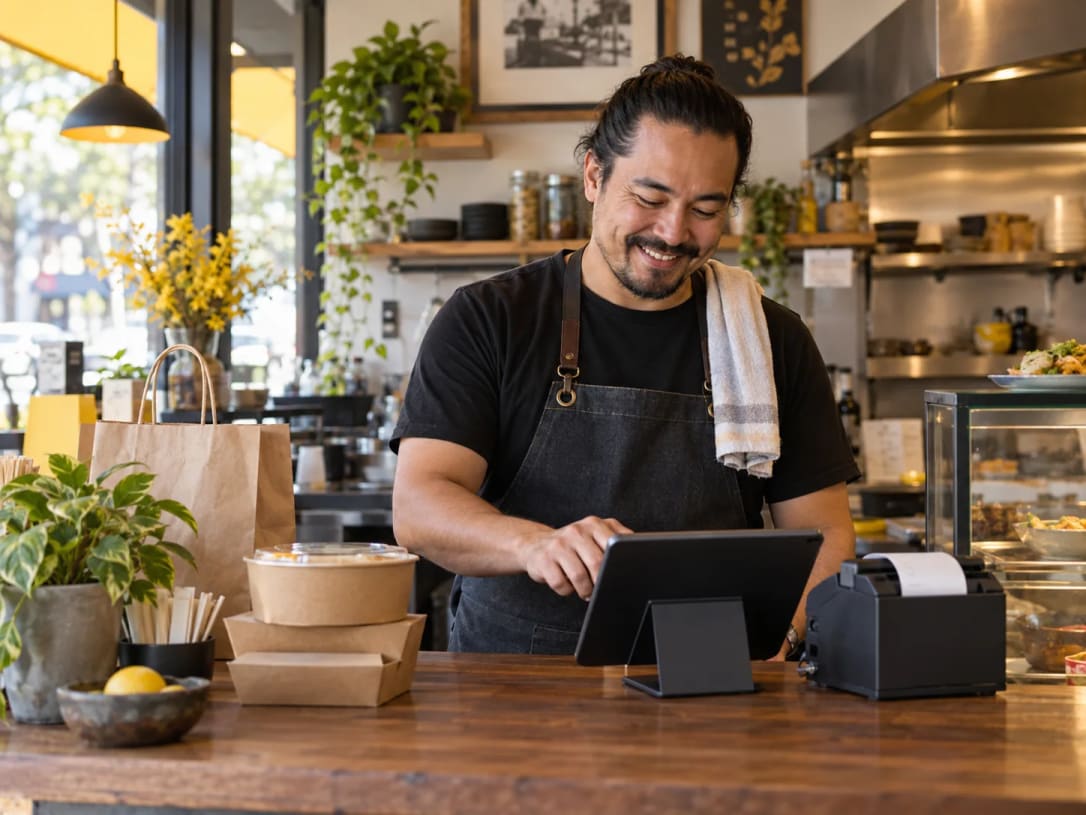
Receive and manage orders from your website on a small tablet. Connect a compatible receipt printer so your team can get straight to preparing the order.
From checkout to preparation
Customers order on your website. Your team receives and manages those orders in the merchant app.
Connect a compatible POS receipt printer to print order details for preparation.
Keep the order details at the counter while your team prepares pickup and delivery orders.
A setup that fits your business
Use the merchant app on a small tablet and connect a compatible receipt printer. If you prefer to receive orders through your existing point-of-sale system, a supported POS integration gives your team another setup option.
Receipt printer connectivity and POS integration are separate features. Compatibility depends on your equipment and setup.
Supported POS integrations
Send direct online orders into a supported POS workflow instead of managing them on a separate tablet.

Clover is currently the only supported POS integration and is included in the AI marketing and Automation plans. Availability depends on your setup.
Before you start
The merchant app is designed for small tablets. Send us your tablet model to check compatibility and get setup help.
Possibly. Printer connectivity depends on the model and setup. Send us your printer details so we can check before you purchase replacement equipment.
No. You can receive and manage orders with the merchant app and a compatible receipt printer. A POS integration is an additional setup option; Clover is currently the only supported POS integration.
Customers order through your business website. Explore your free storefront or learn about delivery options.
Ready for direct orders
We’ll help you connect your storefront, tablet, and compatible printer.